Build a separate evidence row for the tool, battery pack, charger and complete kit. Each row should identify the item, the document and the conditions it addresses. An approval associated with a component should be traced to that component and reviewed in the context of its intended use.
| Evidence object | Order identity | Question to resolve |
|---|---|---|
| Tool | Exact model and construction version | Which file addresses the assembled tool and its applicable requirements? |
| Battery pack | Exact pack, ratings and version | Which evidence applies to the proposed pack and use? |
| Charger | Model, ratings, plug and market version | Which record covers the charger supplied in this SKU? |
| Kit | Contents list and retail SKU | How do the individual records map to the configuration that will ship? |
UL Solutions explains component recognition and conditions of acceptability. Use the document’s stated scope and conditions when matching a component to its intended end use. Check product-level evidence separately where required.
Build the order evidence map
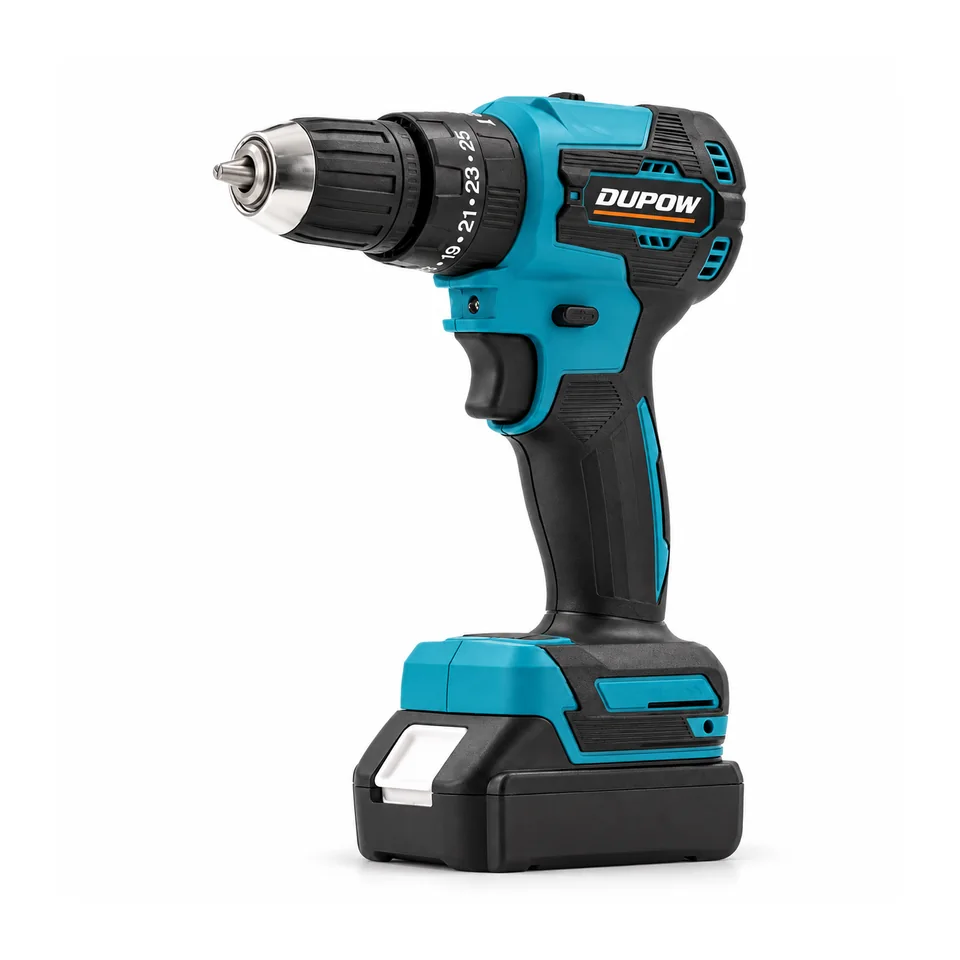
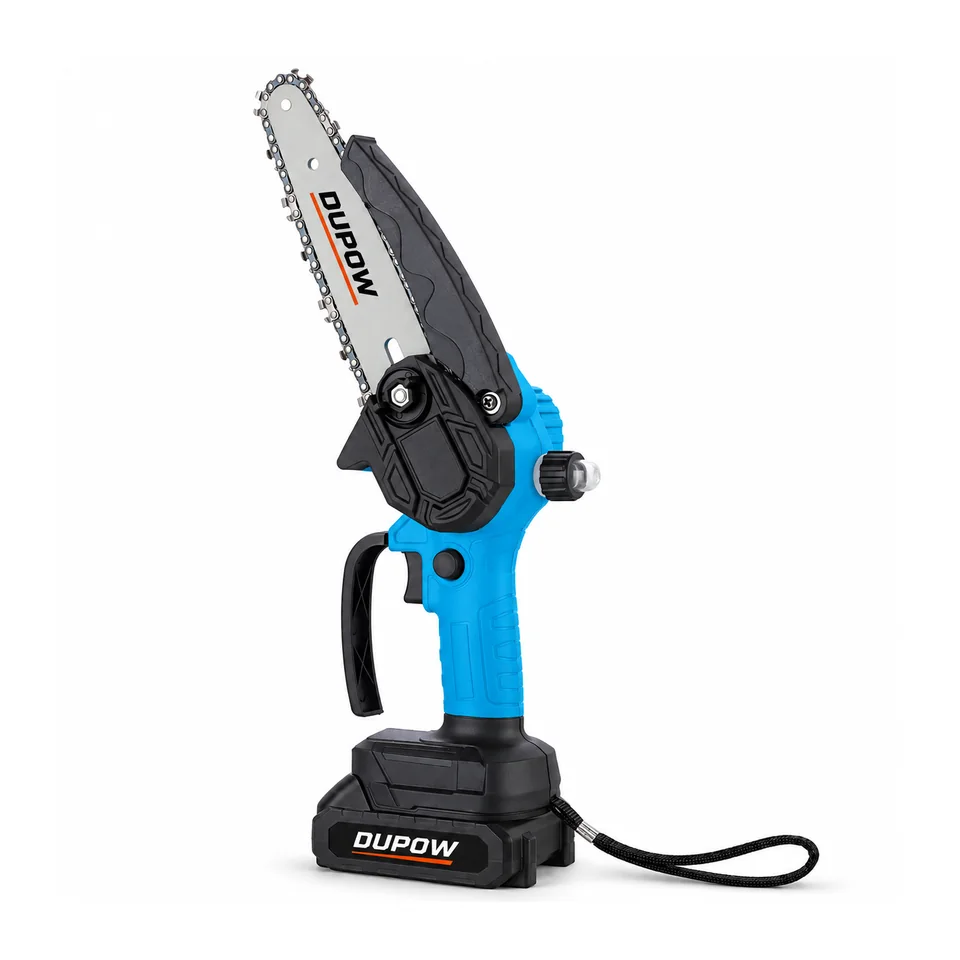
DUP-CD-014 and DUP-CHS-010 illustrate two different tool identities. Begin with the named model and itemize the pack and charger that would accompany the particular order. The shared voltage designation does not establish a common connector, compatibility or approval. A bare-tool SKU should have a different contents record from an ordered kit.
Ask for records with the visible model, ratings, issue information and any conditions. Keep uncertain claims out of label artwork while the document owner resolves them.
Buyer FAQs
Can I use one battery file for every kit in a range?
Map that file to each actual pack and use. Then separately review the tool and charger in each sellable kit.
Can a charger record stand for the complete tool kit?
Keep it with the identified charger and review the other items according to their own evidence requirements.
Read the related guide on How to plan a 20V battery tool platform for import or request a model-specific quotation with the configuration you need.