Give every wholesale photo a job and a model reference. Use a primary image to identify the tool, detail images to explain the construction and a contents image to show the actual sellable kit. Match accessory captions to the order contents before the buyer republishes the material.
| Photo role | Required record | Publication decision |
|---|---|---|
| Product identity | Model and visible configuration | Use the approved main view for that SKU |
| Specification detail | Measurable feature or control | Pair with exact model text, rather than using the image as the only specification |
| Contents | Order SKU and all visible items | Identify included and optional items explicitly |
| Use context | Product identity and task shown | Keep the application photo separate from the contents image |
Build the shot list from the quotation
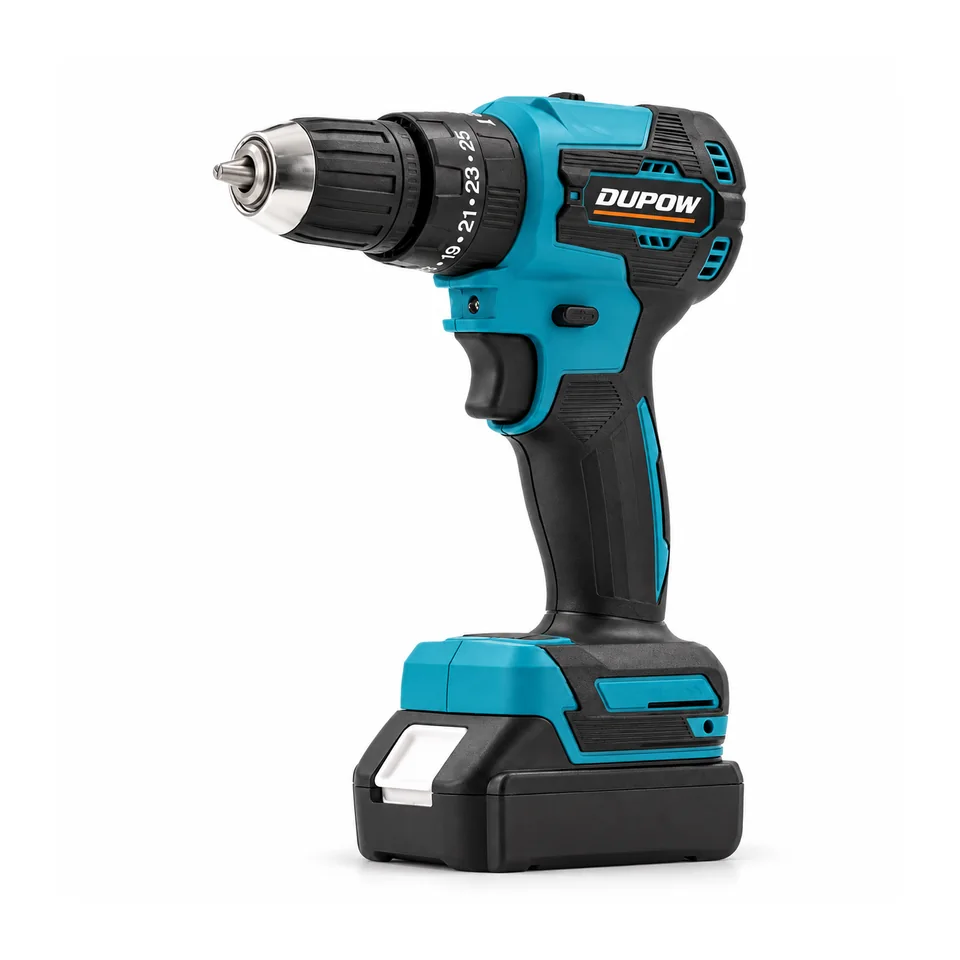
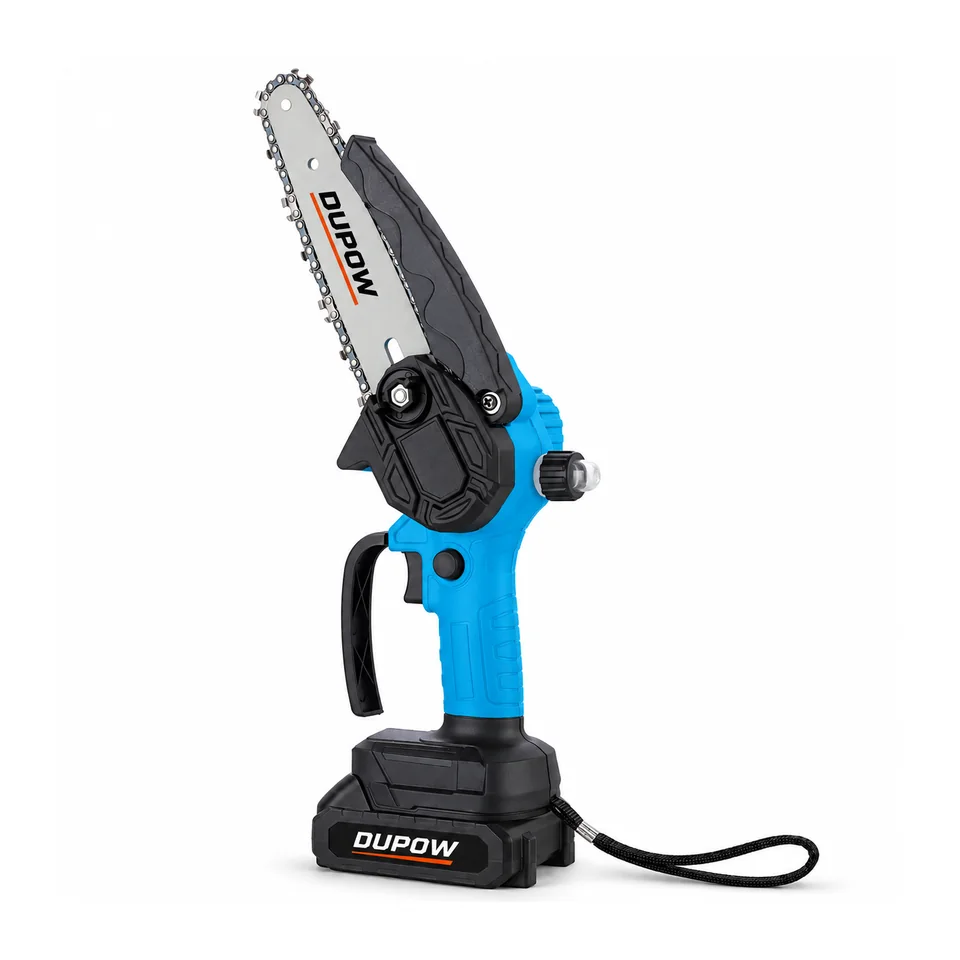
Use the approved catalogue view of DUP-CD-014 as a model reference and select a detail image only when the feature is visible and accurately described. For DUP-CHS-010, identify the actual tool and cutting assembly. A product image alone does not establish the pack, charger or additional chains included in a retail order.
Record the file name, view type, revision and owner in a worksheet. If an image contains an optional item, add the appropriate caption or use another photo. Recheck the main view and the contents image when pack versions change.
Buyer FAQs
Should all accessories appear in the primary image?
Use the main view for quick identification. Put the complete approved kit in a separate contents image with a text list.
What happens when a buyer changes the kit?
Update the contents image or its reference, the inclusion statement and the product record together.
Read the related guide on Private-Label Tool Packaging Checklist or request a model-specific quotation with the configuration you need.