Reorder from the last signed configuration and packaging release. Compare that record with the current quotation and mark each difference before approving a new run. A familiar retail SKU can still hide a change to a plug, spare accessory or carton insert.
| Control item | Record for the repeat order | Approval action |
|---|---|---|
| Model and market version | Product SKU, label, electrical configuration | Compare with last approved specification |
| Supplied components | Part references and quantities by SKU | List each change and approve a revised contents sheet |
| Retail packaging | Artwork identifier, revision, insert and barcode | Compare the updated proof and retire obsolete artwork |
| Master carton | Units, markings and packing instructions | Confirm the shipping configuration before production |
| Exceptions | Change, effective order and approver | Freeze unresolved lines until an approval record exists |
Check the highest-risk configuration differences first
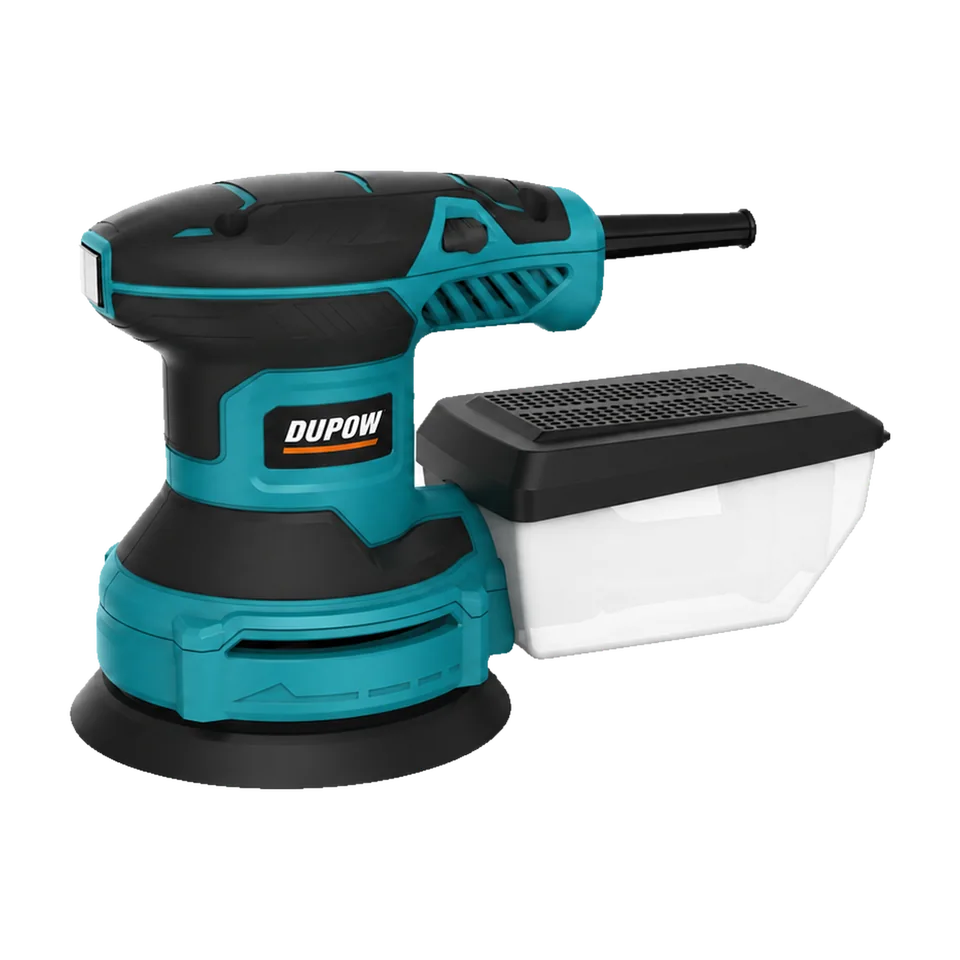
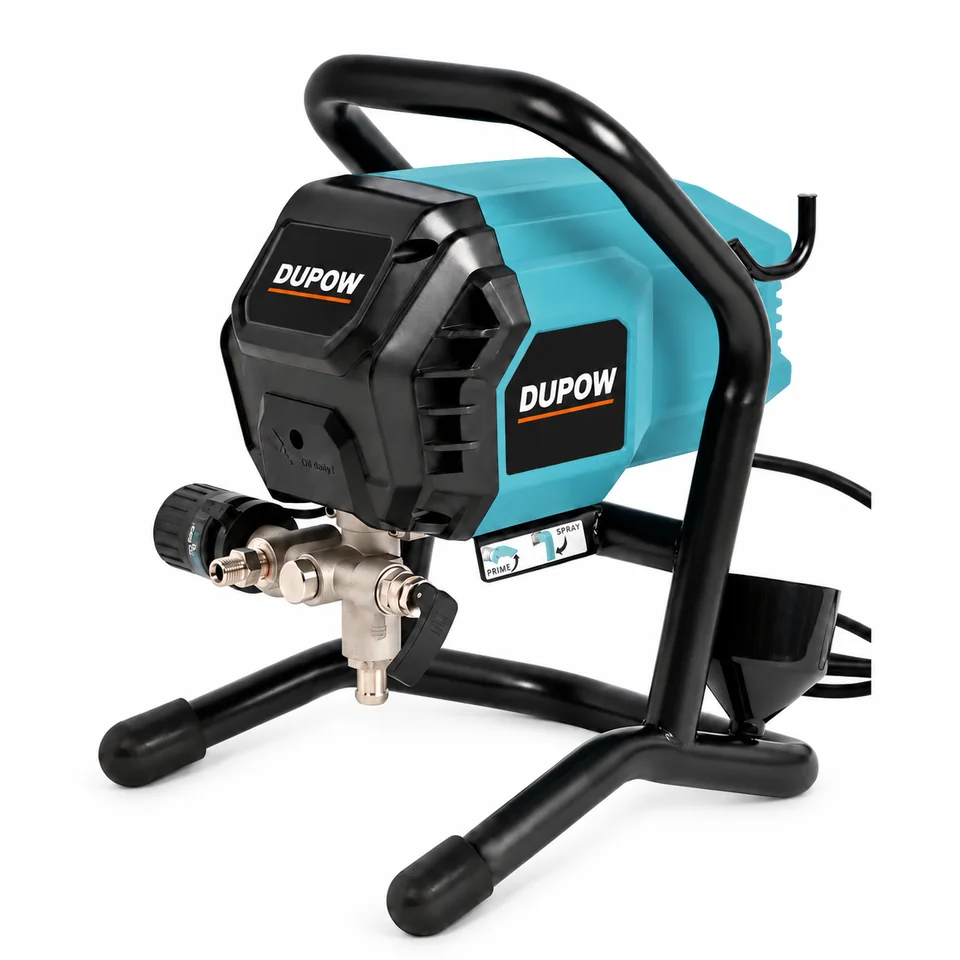
For DUP-ROS-004, put the dust bag, abrasive and any optional dust box on distinct lines. An accessory shown in a product photograph should not replace the ordered contents list. For DUP-AS-001, compare the ordered hose and tip references before reusing the sprayer packaging. These examples show where an apparently unchanged model can carry different order details.
Close the loop from proof to shipment
Assign one owner to collect the approved changes and issue the revised specification. Send the packaging proof and component list together to the production and inspection teams. Keep a dated copy of the last approved order and a dated copy of the new one so future reorders can identify when a change took effect.
Buyer FAQs
Should a carton redesign reset the tool specification?
Keep the tool specification and packaging revisions separately traceable. Review both together against the final order.
What if a component changes during a repeat run?
Record the proposed part and affected quantities, compare it with the approved configuration and obtain the appropriate review before accepting it.
Read the related guide on Private-Label Tool Packaging Checklist or request a model-specific quotation with the configuration you need.