A recognizable certification mark is a starting point for a document review. A buyer still needs to connect the claimed certification to the exact product, the company named in the record and the configuration being ordered. The practical question is whether the information supplied for the proposed order can be matched to the issuing organization's records.
This guide provides a purchasing workflow for checking UL and ETL listing information. It covers the information to collect, where to begin an official lookup and how to record unresolved differences before approving a product or its packaging. It does not replace the buyer's destination-market review or the issuing body's decisions about a particular product.
Build the product identity record first
Start with the supplier's quoted model, the model on the sample label, the proposed brand and a description of the product. Add the electrical version and kit contents. A battery tool, its battery and its charger should be identifiable within the record so that the scope of any document can be read against the right item.
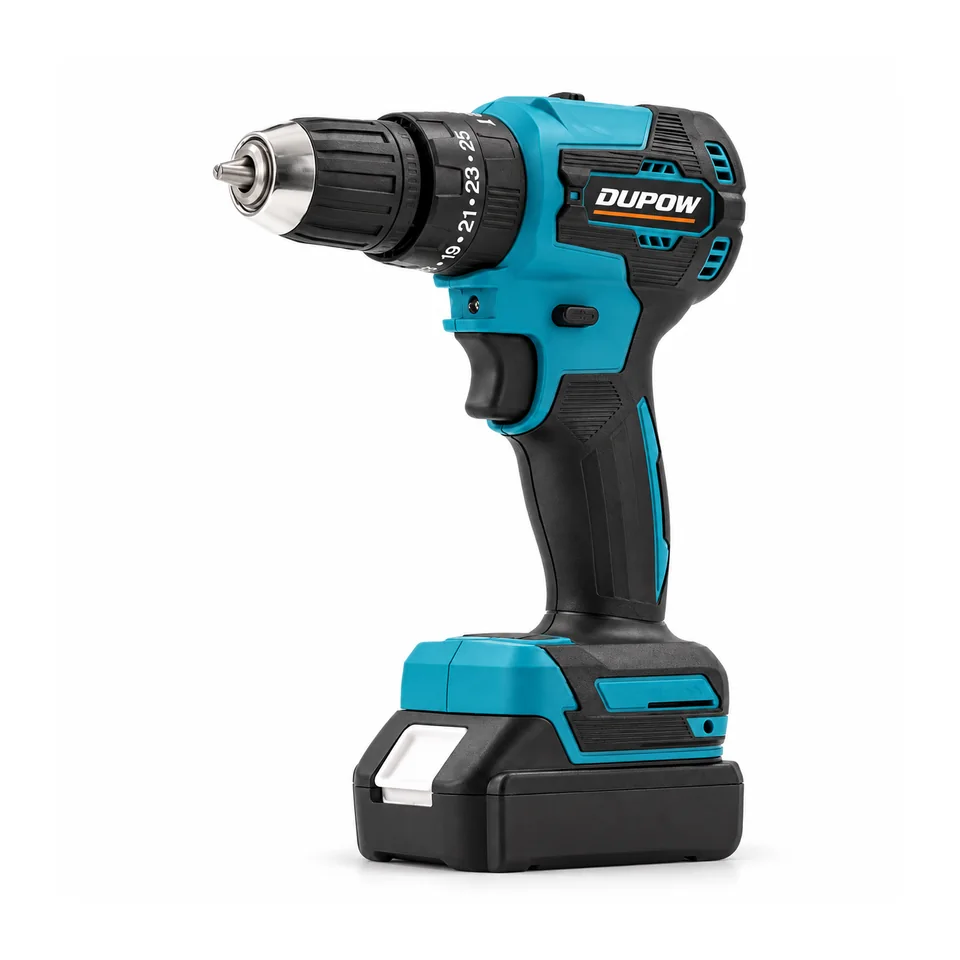
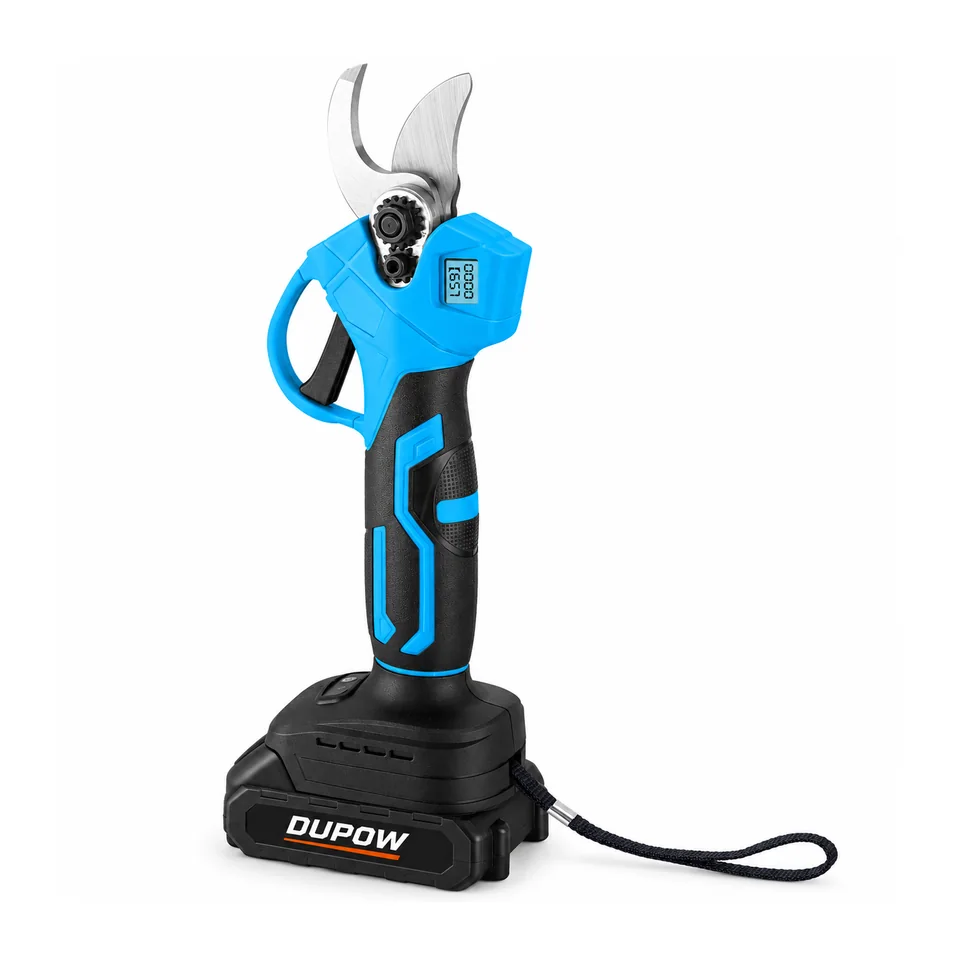
DUPOW catalogue references such as DUP-CD-014 or DUP-PS-013 help a buyer identify which product is being discussed. A catalogue page is a product reference, not evidence of a UL or ETL listing. Any certification claim needs its own supporting record for the relevant product and configuration.
Create one review row for each quoted model rather than attach a single “certificates” folder to an entire product family. This makes it easier to distinguish an accepted record from a document that applies to another version.
Ask for enough information to conduct a meaningful check
Request the claimed certification type, company name, model designation and identifying file or listing information. Ask for a clear image of the proposed product label and the complete supporting document supplied for the claim. A cropped logo leaves too much of the identity record unresolved.
Keep the supplier's model and your proposed private-label model in separate columns. If they differ, ask for the documented relationship between them. The same approach applies when the company on a certificate differs from the company sending the quotation: record the difference and seek clarification instead of silently changing the names in your own file.
| Item to record | Comparison to make | Purchasing action |
|---|---|---|
| Claimed mark and issuing organization | Supplier statement versus the official source used for the check | Use the corresponding organization's lookup route |
| Company or applicant name | Supplied document versus the official record | Explain any difference before approval |
| Model designation | Quotation, sample label and official record | Retain the exact spelling and suffixes |
| Product description and electrical version | Proposed order versus the scope shown in the record | Separate versions that require further review |
| File or listing identifier | Supplier information versus the lookup result | Save the reference with the date checked |
| Open differences | Missing, conflicting or unclear information | Assign a specific follow-up question |
This table is a buyer's review worksheet. It is not an official certification document or a statement that any example model is certified.
Use the UL route for a UL certification claim
UL Solutions' Product iQ information page links to its certification search service. UL describes searches using identifiers including file numbers and product-category information, as well as keywords. Start from that official route rather than rely on an image copied into a sales presentation.
For the purchase file, record the identifier used, the entry located and the date of the check. Compare the company, model and product information available in the record with the proposed order. Preserve a reference that another reviewer can reopen.
Treat a broad search result as a lead to examine. Finding the right company name does not finish a review of the specific model. If the record cannot be reconciled with the offer, ask the supplier for the missing identifiers or clarification through the issuing organization before approving the claim for your project.
Use Intertek's directory for an ETL listing claim
The Intertek ETL Listed Mark Directory is the official starting point for checking ETL listing information. ETL is an Intertek certification mark; it should not be treated as a separate testing company alongside Intertek or ITS.
Use the supplier's company and product identifiers to locate the relevant information through the official directory. Then compare the record with the same product identity worksheet used for the quotation. Retain the listing reference and the differences that still need an explanation.
An ETL record and a UL record are different pieces of evidence. Record the certification actually claimed and found for the proposed product. Avoid rewriting one mark as the other in a comparison sheet simply to make two supplier offers look identical.
Turn differences into specific questions
Useful follow-up questions identify the field that does not match. For example, ask which document connects the quoted model suffix to the listed designation, or which record covers the electrical version proposed for the order. A targeted question is easier to resolve than a general request to “send all certificates.”
If a search does not produce an identifiable match, record the result as unresolved. Check the search terms and supplied identifiers, then seek clarification. Do not treat a failed search as a finished investigation, and do not approve a certification claim merely because the supplier has sent another similar-looking image.
Keep the review separate from commercial discussion. The model, configuration and evidence can be frozen in the order file while price, quantities and packing are handled in their own fields.
Connect the result to the order and packaging
Once the relevant information has been reviewed, retain the exact model and configuration reference in the purchasing record. Check that the product label, manual and proposed packaging use the agreed identity. Changes to model names or branding should be reviewed before artwork is approved.
For European documentation questions, the separate exact-model CE document guide provides a different review route. The private-label packaging checklist helps connect approved product information to the artwork process.
Send the destination market, proposed model and required documentation with the RFQ information. That gives the sourcing team a defined question to answer for the actual order.
Buyer FAQs
Is a logo in a catalogue enough to verify a listing?
No. Collect the company, model and identifying certification information, then compare the claimed listing with the corresponding official source and the proposed product.
Is ETL a separate company from Intertek?
ETL is an Intertek certification mark. Use Intertek's official directory for an ETL listing claim and record the mark actually associated with the product.
What should I do if a model is not found?
Keep the review unresolved, check the supplied identifiers and ask for clarification through the supplier or issuing organization. A search without a matching result does not complete the investigation.
Does this guide confirm certification for the DUPOW models pictured?
No. The photographs identify product references used to explain the worksheet. A certification statement for an order must be supported by the relevant official record and its applicable scope.
Discuss a model-specific document requirement with the model, destination and configuration you plan to order.