A spare-parts request becomes useful when each part can be connected to the exact tool and version being ordered. Names such as “chain,” “blade” or “battery” are often too broad to tell a purchasing team what will arrive. A clear order schedule gives the part an identity, a quantity and a reference that can be checked before packing.
For importers and private-label brands, the objective is to make an opening order and its later service stock follow the same model record. This guide explains how to build that schedule without assuming that similar-looking products share their replacement parts.
Start with the approved tool and version
Put the full tool model at the beginning of each spare-parts row. Add the relevant configuration or approved sample reference when the same product can be supplied in different versions. Keep any supplier model and private-label model mapping beside the record rather than rely on a sales team remembering the connection.
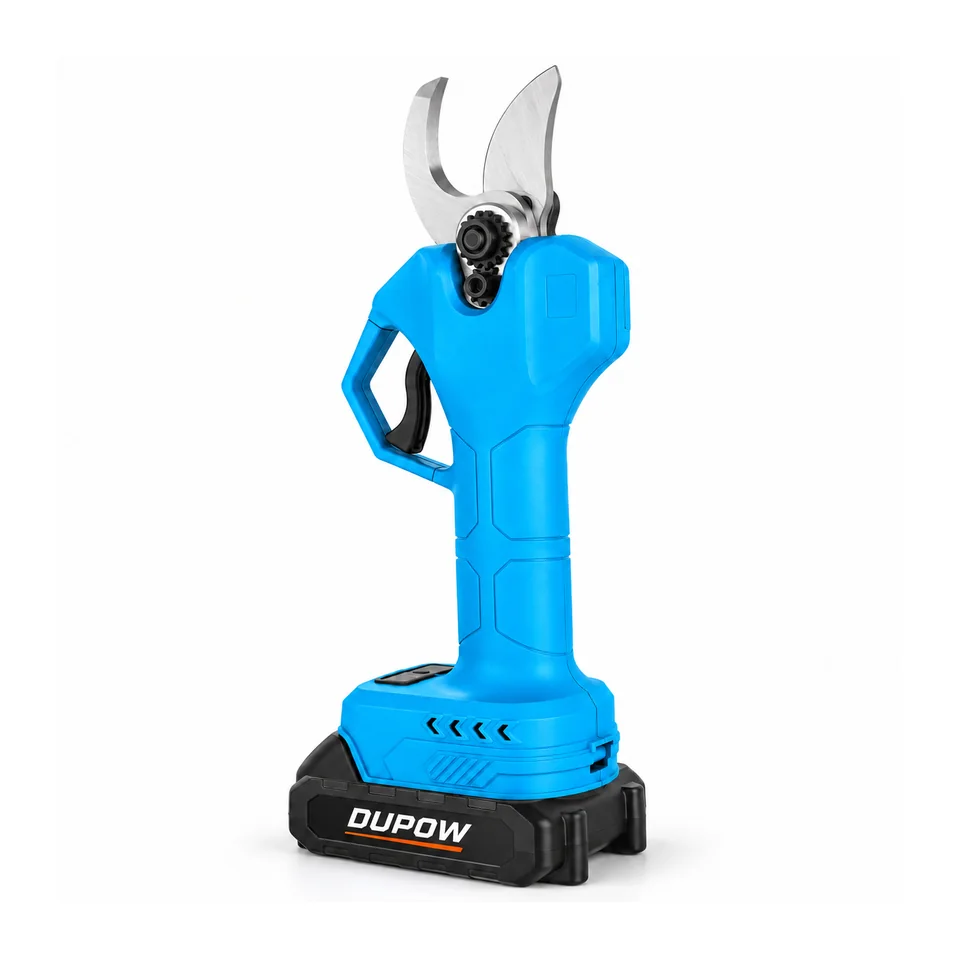
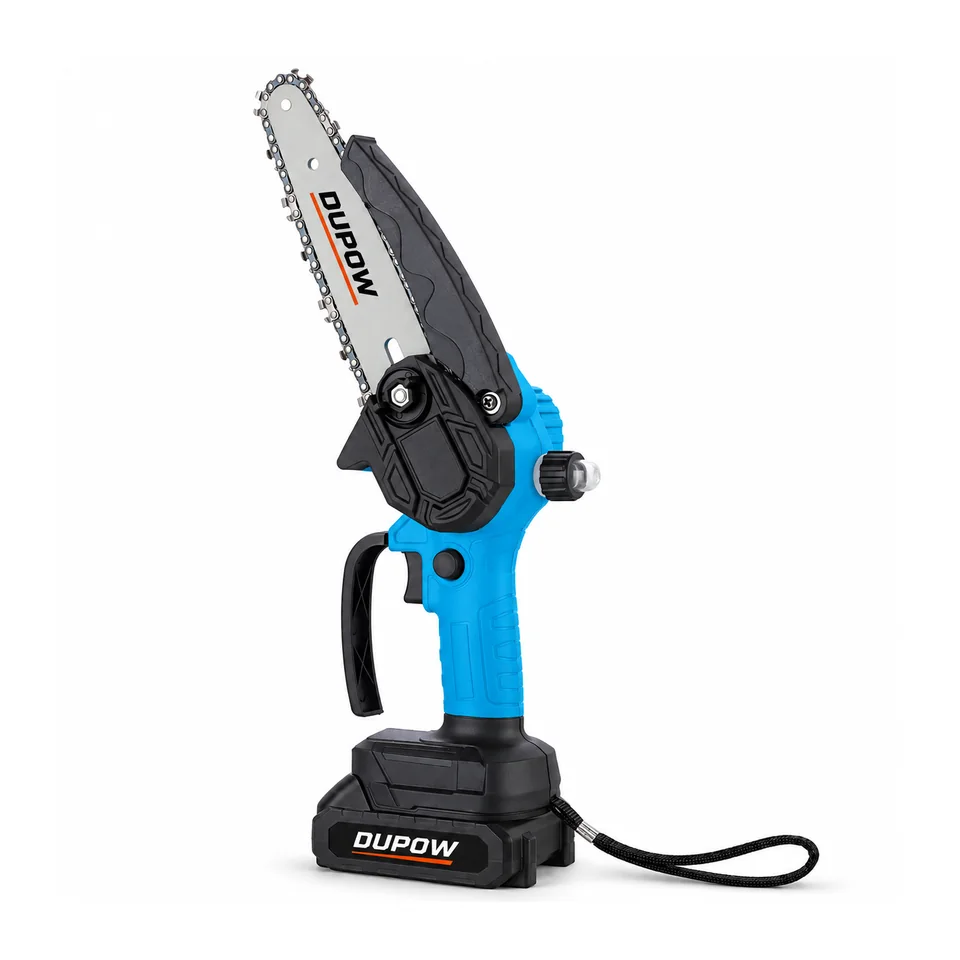
For example, a request for DUP-PS-006 should identify the pruning shear before listing a proposed replacement cutting part. A request for DUP-CHS-010 should identify the chainsaw and the corresponding chain or guide-bar requirement. These are examples of how to organize a request, not a declaration that a particular replacement part is included or stocked.
Keep the tool's sample approval date or version reference with the list. If a model changes later, the parts schedule can then be reviewed against the earlier version instead of being overwritten without explanation.
Give each requested part a usable identity
Use a supplier part number when one is available for the selected model. Otherwise, request an agreed drawing, diagram position or clearly annotated photograph that identifies the exact item. A broad product photo may help establish the tool but may not identify the replacement part closely enough.
For a chainsaw request, guide-bar length alone is not a complete chain identity. Ask for the matching chain specification or supplier part reference for the exact model and version. For a pruning shear, identify which cutting component or assembly is requested rather than assume that a blade pictured for another shear is suitable.
The same method applies to switches, handles, covers and other service items. Keep the agreed reference attached to the row. If the supplier changes the reference, record the relationship between the old and new identifiers before using it for a reorder.
Separate kit contents from additional service stock
A tool's standard package and an additional spare-parts order are different lists. A component shown in an accessories photograph may be part of one quoted kit, an optional item or a separate purchase. The quotation should make that position explicit.
State whether the quantity is per tool, per retail kit, per carton or a total quantity for the order. “Two blades” means different things when attached to a single model sample, a carton of tools or a complete shipment. Repeat the unit of quantity in the schedule rather than leave it to a note several pages away.
| Field | Information to record | Purpose in the order |
|---|---|---|
| Parent tool | Exact model and approved version | Connect the part to the right product |
| Part identity | Part number, diagram position or approved image reference | Define the item to supply |
| Supply position | Standard kit content or additional service stock | Avoid double counting |
| Quantity basis | Per tool, per kit, per carton or order total | Make the required quantity unambiguous |
| Packing identity | Part label, bag or carton reference | Help receiving staff identify the stock |
| Approval record | Agreed drawing or photograph version | Preserve the basis for repeat orders |
This is an order worksheet. Fill it with the selected model's agreed information before using it as a packing or inspection requirement.
Approve the reference before the packing stage
Ask the supplier to acknowledge the completed schedule with the quotation or order confirmation. If a part is substituted, resolve its identity and model application before the goods are packed. Keep the accepted replacement reference with the revised schedule.
The pre-shipment inspection checklist can then use the same schedule to check the agreed parts and quantities. A receiving team should be able to follow the schedule without reconstructing the earlier email discussion.
Keep the commercial quantities separate from any sample-review quantities. A single part provided to assess fit or appearance does not establish the final quantity to ship with the production order.
Label parts so the customer can receive and reorder them
Agree the information needed on a parts bag or carton. The parent model, agreed part reference and quantity are useful fields when an importer receives several products in one shipment. Keep the wording consistent with the packing list and the buyer's stock system.
For a private-label order, decide which identity the customer-facing service team will use and preserve its connection to the supplier's part reference. This helps a distributor request the same item again without using an old product photograph as its only description.
Use the packaging checklist for the broader artwork and packing process. The parts schedule should remain a focused list of the items and quantities attached to each tool version.
Review changes before the next order
When a tool, component or accessory changes, compare the proposed parts schedule with the last approved version. Record whether a changed part applies to new production only or whether the supplier has confirmed its relationship to earlier units. Keep that answer with the actual part reference.
Review the pruning-shear range and chainsaw range using their model identities. Shared voltage or a similar cutting description should not replace a model-specific parts decision.
Send the tool model, part references, quantity basis and desired packing with the RFQ information. A clear request lets the supplier respond to a defined requirement and gives the buyer a document to check through shipment and receipt.
Buyer FAQs
Is a product name enough to order a spare part?
Usually the request also needs the exact parent model and a part number, diagram position or approved photograph. The aim is to identify the item and the version it belongs to.
Are parts shown in a product photo automatically included?
The itemized quotation and agreed contents list define the supplied package. Record additional service stock separately from the standard kit.
How should quantities be written?
State both the number and its basis, such as per tool, per retail kit or total order quantity. This prevents the same entry from being interpreted in several ways.
What should change when the tool version changes?
Review the affected parts, preserve the earlier approval reference and record the agreed relationship between old and new part identities before ordering replacements.
Prepare a model-specific parts request with the tool references and the quantities you need.